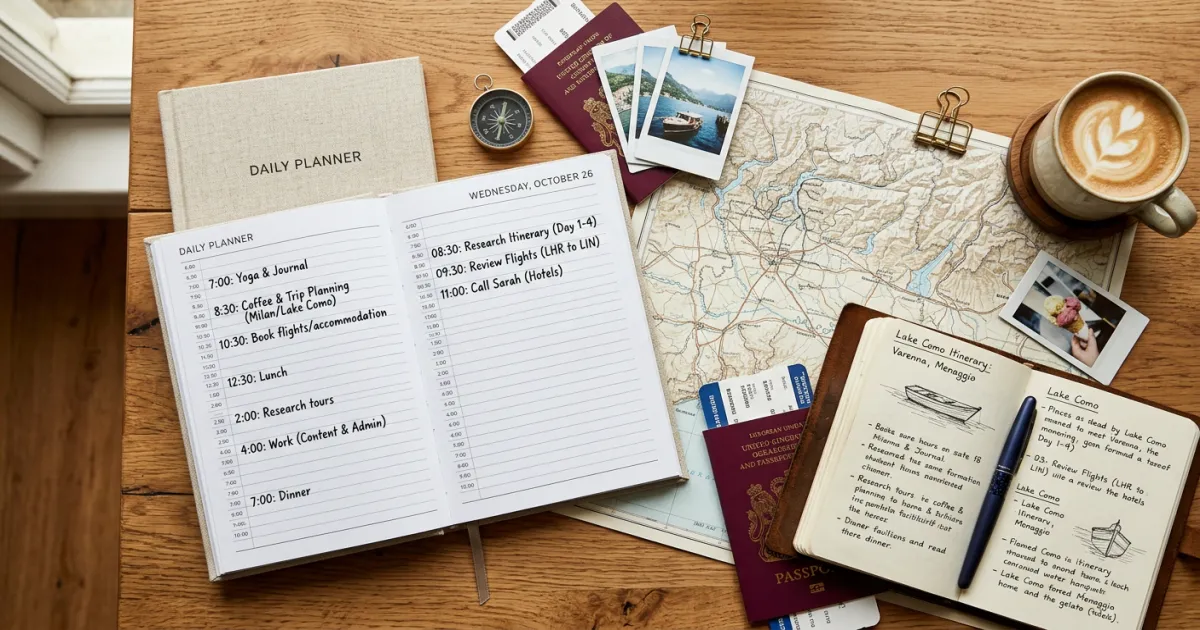
A travel schedule template helps you plan your trip hour by hour, so you know exactly where you need to be and when. Unlike a loose list of things to do, a proper schedule accounts for travel time, meal breaks, and rest periods between activities.
Whether you are planning a weekend getaway or a two-week international trip, having a time-blocked schedule keeps your days running smoothly without the stress of figuring things out on the fly.
Below, you will find our free travel schedule template in multiple formats, plus practical advice for building a schedule that actually works in the real world.
What Is a Travel Schedule Template?
A travel schedule template is a structured, time-based daily breakdown of your trip activities. Think of it as your trip’s playbook: it shows you what you are doing at 9 a.m., where you are heading at noon, and what time you need to leave for dinner.
The key difference between a travel schedule and a general itinerary is specificity. A travel schedule assigns actual time slots to each activity. Instead of just listing “visit the Louvre” on Day 3, a schedule says “9:00 AM – 12:00 PM: Louvre Museum, followed by 20-minute walk to lunch spot.”
This level of detail is especially useful when you have pre-booked tours, restaurant reservations, or transportation with fixed departure times. It helps you see at a glance whether your day is realistic or if you have packed in too much.
Travel Schedule vs. Travel Itinerary
These two terms get used interchangeably, but they serve different purposes. Understanding the difference helps you pick the right planning tool for your trip.
Travel Schedule (Time-Blocked)
- Breaks each day into specific time slots (hour-by-hour or in blocks)
- Includes transit time between locations
- Accounts for meals, rest, and buffer time
- Best for trips with fixed reservations, guided tours, or tight timelines
- Ideal for business travel, group trips, and multi-city itineraries
Travel Itinerary (Day-by-Day Overview)
- Lists activities and destinations by day without specific times
- Provides a general flow: “Morning at the beach, afternoon exploring Old Town”
- More flexible and less structured
- Best for relaxed vacations, solo travel, and trips with few fixed commitments
When to Use Which
Use a schedule when your trip involves multiple bookings, group coordination, or destinations where timing matters (think theme parks, popular restaurants, or guided experiences). Use an itinerary when you want a loose framework but prefer to go with the flow.
Many travelers use both: a day-by-day itinerary for the overall trip shape, and a detailed schedule for days that have fixed commitments. If you need a general vacation itinerary template, we have one for that too.
What Our Travel Schedule Template Includes
Our free template is designed to give you the right amount of structure without making your trip feel like a corporate meeting agenda. Here is what you will find inside:
Time-Blocked Daily Schedule
Each day is divided into time slots that you can customize. The default layout uses 30-minute and 1-hour blocks, but you can adjust these to match your planning style.
Morning, Afternoon, and Evening Breakdown
Activities are grouped into three natural segments of the day. This makes it easy to see your day at a glance without getting lost in a wall of time slots.
Transport Times Between Activities
Dedicated rows for travel time between locations. This is the single most overlooked element in trip planning, and it is the main reason schedules fall apart by mid-morning.
Meal Times
Pre-blocked slots for breakfast, lunch, and dinner. You can add restaurant names, reservation confirmation numbers, or just leave them as open slots to decide on the day.
Rest and Buffer Time
Built-in buffer periods between activities. These absorb the inevitable delays: a museum visit that runs long, a train that is 15 minutes late, or a street market that you were not planning to browse but cannot resist.
Notes Column
Space for confirmation numbers, addresses, phone numbers, booking references, and any other details you need quick access to. No more digging through email threads to find your tour booking code.
How to Use the Travel Schedule Template
Follow these steps to turn a blank template into a working travel schedule. The process works whether you are using the Google Sheets, Excel, or printable version.
Step 1: Download and Set Up
Choose your preferred format (details below) and make a copy. Add your trip name, dates, and destination at the top. Create a separate tab or page for each day of your trip.
Step 2: Block Out Fixed Times
Start with the things you cannot move. These include flights, hotel check-in and check-out times, pre-booked tours, restaurant reservations, and any events with set start times. Enter these first so you can see your committed time slots.
Step 3: Add Your Activities
Fill in the activities you want to do around your fixed commitments. Look up opening hours for museums, attractions, and shops before assigning time slots. Place your highest-priority activities in the time slots where you have the most energy.
Step 4: Add Travel Time Between Locations
Use Google Maps to estimate transit time between each activity. Add 10 to 15 minutes of padding to each estimate. City traffic, unfamiliar transit systems, and getting oriented in a new place always take longer than you expect.
Step 5: Schedule Meals and Rest
Block out time for meals and at least one rest period per day. A 30-minute to 1-hour break in the afternoon can make the difference between enjoying your evening plans and wanting to collapse in your hotel room.
Step 6: Leave Buffer Time
Do not fill every slot. Leave 30 to 60 minutes of unscheduled time in the morning and afternoon. This gives you room to linger somewhere you love, handle unexpected delays, or simply take a breather.
Need help figuring out what to include in your schedule? Our guide on how to plan a trip walks you through the entire process from start to finish.
Template Formats Available
We offer the travel schedule template in four formats so you can use whichever fits your planning style.
Google Sheets (Collaborative Planning)
Best for group trips and couples traveling together. Everyone can edit the schedule in real time, leave comments, and see updates instantly. Access it from any device with an internet connection. This is our most popular format.
Excel (Offline Access)
Download and use without an internet connection. Great for travelers who want to plan on their laptop during flights or in areas with spotty WiFi. Fully compatible with Microsoft Excel and other spreadsheet apps.
Printable PDF
For travelers who prefer pen and paper. Print it out and carry it in your daypack or travel folder. There is something satisfying about physically crossing off activities as you complete them. Also serves as a reliable backup if your phone dies.
Google Docs (Text-Based)
A simpler, text-based layout for travelers who find spreadsheets overwhelming. Works well for trips with fewer moving parts or when you want to include longer notes and descriptions alongside your time blocks.
You can also build your schedule using our AI travel planner, which generates a time-blocked itinerary based on your destination, travel dates, and interests.
Tips for Building a Realistic Travel Schedule
The biggest mistake travelers make is creating a schedule that looks great on paper but falls apart within two hours of their first morning. Here is how to build one that actually holds up.
Do Not Overschedule Your Days
Three to four major activities per day is a realistic target for most travelers. Five or more, and you will spend more time rushing between places than actually enjoying them. Quality beats quantity every time.
Include Transit Time (Seriously)
Getting from Point A to Point B in an unfamiliar city takes longer than Google Maps suggests. Factor in time to figure out the metro, wait for a bus, or walk from a parking garage to your destination. Add at least 15 minutes of buffer to every transit estimate.
Plan Around Your Energy Levels
Are you a morning person or a night owl? Schedule your most physically demanding or mentally engaging activities during your peak energy hours. Save low-key activities like shopping, cafe visits, or neighborhood walks for when your energy dips.
Build In Rest Periods
Vacation exhaustion is real. Schedule at least one 30-minute to 1-hour break during the day, ideally in the early afternoon. Go back to your hotel, sit in a park, or find a quiet cafe. You will enjoy the rest of your day significantly more.
Stay Flexible for Weather and Mood
Have a “Plan B” list of indoor activities for rainy days and outdoor alternatives for unexpectedly beautiful weather. If you wake up and genuinely do not feel like visiting that museum, it is okay to swap it for something else.
Schedule Must-Dos First
Identify the two or three things you absolutely cannot miss and schedule those first. Build everything else around them. This way, even if your schedule gets disrupted, you have already locked in your priorities.
For more detailed trip planning guidance, including budgeting and booking strategies, check out our itinerary planner template.
Common Travel Schedule Mistakes to Avoid
Even experienced travelers fall into these traps. Knowing them in advance saves you from a frustrating trip.
Planning Every Single Minute
A schedule that accounts for every minute of your day is not efficient. It is exhausting. Leave room for spontaneity. Some of the best travel experiences happen when you wander off-script.
Forgetting Transit Time
This deserves repeating because it is the number one reason travel schedules fail. If your museum visit ends at noon and your lunch reservation is at 12:15 across town, you have a problem. Always check actual travel times between consecutive activities.
Ignoring Opening Hours and Closed Days
Many museums close on Mondays or Tuesdays. Restaurants may not serve lunch between 2:30 and 7:00 PM in some countries. Religious sites may have restricted visiting hours. Always verify current operating hours before finalizing your schedule.
Back-to-Back Activities With No Breaks
Scheduling a 3-hour walking tour immediately followed by a 2-hour museum visit and then a cooking class is a recipe for burnout. Give yourself at least 30 minutes between major activities to decompress, use the restroom, grab a snack, or just sit down.
Not Accounting for Time Zone Changes
If you are crossing multiple time zones, your body clock will not match the local clock for the first day or two. Plan lighter schedules for arrival days. Do not book a 7 AM guided tour on the morning after a transatlantic flight.
Skipping Meal Planning
Wandering around hungry in an unfamiliar city while trying to find a restaurant wastes time and energy. At minimum, identify a few restaurant options near your planned activities so you are not starting from scratch when hunger hits.
Planning Tools That Work With Your Schedule
A good template is the foundation, but these tools help you build and execute your schedule more effectively.
- Google Maps: Save locations to custom lists and use the “directions” feature to estimate transit times between activities
- Google Calendar: Import your schedule as calendar events for automated reminders and real-time notifications
- TripIt: Automatically organizes travel confirmation emails into a timeline
- Yopki AI Travel Planner: Generates a time-blocked itinerary based on your preferences and destination
- Rome2Rio: Shows all transportation options between two points with estimated times and costs
- Wanderlog: Combines itinerary planning with map-based organization
Browse our full collection of travel planning templates for more free resources, including weekend itinerary templates and packing checklists.
Frequently Asked Questions
What is the difference between a travel schedule and a travel itinerary?
A travel schedule breaks each day into specific time blocks with exact times for each activity, including transit and meal breaks. A travel itinerary is a higher-level, day-by-day overview that lists what you plan to do each day without assigning specific times. Schedules work best for trips with fixed bookings, while itineraries suit more flexible travel.
How detailed should my travel schedule be?
Detailed enough to keep you on track, but not so detailed that it feels rigid. A good rule of thumb: assign time blocks to fixed commitments (flights, tours, reservations) and group flexible activities into morning, afternoon, and evening blocks rather than specific hours.
Can I use this template for business travel?
Yes. The time-blocked format works especially well for business trips where you need to coordinate meetings, conference sessions, client dinners, and personal time. Add meeting locations, video call links, and contact details in the notes column.
How far in advance should I create my travel schedule?
Start your schedule two to four weeks before your trip. This gives you enough time to research opening hours, book any tours or restaurants that require reservations, and share the schedule with travel companions for feedback.
What if my schedule falls apart during the trip?
It will, and that is normal. The value of a schedule is not following it perfectly. It is having a framework to fall back on. If something takes longer than expected, adjust the rest of your day rather than trying to rush through everything. Your must-do items are already prioritized, so you know what to keep and what to skip.
Is a printed schedule or digital schedule better?
Both have advantages. Digital schedules (Google Sheets, apps) are easy to edit on the go and can be shared with travel companions. Printed schedules do not need WiFi or battery power and are faster to glance at. Many travelers use a digital version as the master copy and carry a printed backup for each day.