What Is a Trip Organizer?
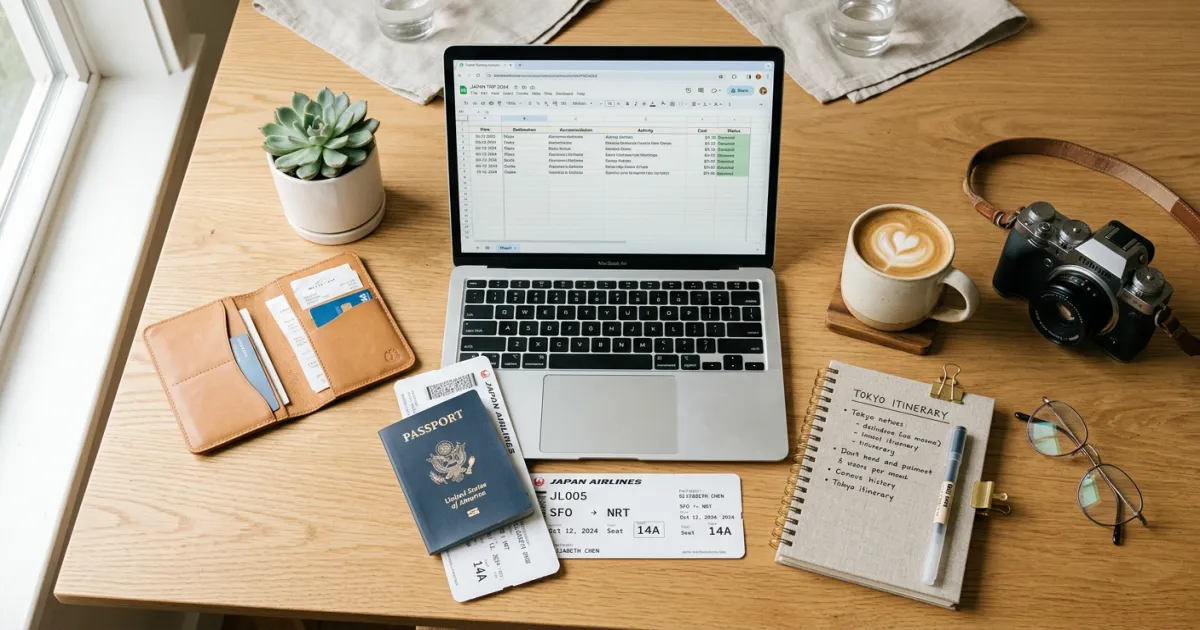
A trip organizer is an all-in-one document that helps you manage every moving piece of your vacation or business trip. Instead of juggling emails, screenshots, and sticky notes, a trip organizer puts your flights, hotels, activities, budget, packing list, and important documents into a single, easy-to-reference file.
Think of it as the command center for your entire trip. Whether you are planning a weekend getaway or a three-week international adventure, having one centralized place for all your travel information saves time and reduces the chance of forgetting something important.
Our free trip organizer template gives you a pre-built framework so you do not have to start from scratch. Just download it, fill in your details, and you are ready to go.
Why You Need a Trip Organizer Template
Traveling without a plan is exciting in theory, but stressful in practice. A trip organizer template solves the most common pain points travelers face:
- Reduces pre-trip stress. When every booking, reservation, and to-do item lives in one place, you stop worrying about what you might have forgotten.
- Keeps everything accessible. No more digging through your email for confirmation numbers at the airport or hotel check-in desk. Everything is right where you need it.
- Makes sharing easy. Traveling with family, friends, or colleagues? Share the organizer so everyone has the same information. No more group chat confusion about which hotel you booked or what time the flight leaves.
- Works as a backup. Phones die. Wi-Fi disappears. Having a printed or offline copy of your trip organizer means you always have access to critical details like hotel addresses, emergency contacts, and confirmation numbers.
- Helps you stay on budget. With a built-in budget tracker, you can see exactly what you have spent and what you have left before you commit to that extra excursion or fancy dinner.
If you have ever arrived at a destination and realized you forgot to write down the hotel address, or scrambled to find your rental car confirmation number, a trip organizer would have saved you the headache.
What Our Free Trip Organizer Template Includes
We designed this template to cover everything you need from the moment you start planning to the moment you get home. Here is what is inside:
Trip Overview Section
Start with the basics: destination, travel dates, time zone differences, travel companions, and any important notes. This section gives you a snapshot of your entire trip at a glance.
Day-by-Day Itinerary
Map out each day of your trip with time slots for activities, meals, and downtime. You can be as detailed or as flexible as you want. Some travelers plan every hour, while others just note one or two key activities per day. For help building your daily plan, check out our vacation itinerary template.
Flight and Hotel Booking Details
Record airline, flight number, departure and arrival times, terminal information, seat assignments, and confirmation numbers. Do the same for hotels: address, check-in and check-out times, reservation number, and any special requests you made.
Budget Tracker
Track your spending across categories like flights, accommodation, food, activities, transportation, and shopping. Set a total budget and watch your remaining balance update as you add expenses. Need a more detailed budgeting tool? Our travel budget template goes deeper into expense tracking and forecasting.
Packing Checklist
A categorized packing list covering clothing, toiletries, electronics, documents, and trip-specific items. Check off items as you pack them so nothing gets left behind.
Emergency Contacts
Space for local emergency numbers, your country’s embassy or consulate, travel insurance provider, bank’s international phone number, and personal emergency contacts back home.
Important Documents Checklist
A checklist to make sure you have everything covered: passport (and copies), visa, travel insurance documents, vaccination records, driver’s license, credit cards, and any required permits or tickets.
Restaurant Reservations and Dining
Keep track of restaurant reservations with dates, times, confirmation numbers, addresses, and any dietary notes. This is especially helpful in cities where popular restaurants book up weeks in advance.
How to Use the Trip Organizer Template
Getting started takes just a few minutes. Here is the step-by-step process:
Step 1: Download Your Preferred Format
Choose the format that works best for you: Google Sheets for collaborative editing, Excel for offline use, Google Docs for a text-based approach, or a printable PDF. Download links are available below.
Step 2: Fill In Your Trip Overview
Start with the big picture. Enter your destination, dates, and who is traveling with you. This anchors the entire document and helps you think through the scope of your trip.
Step 3: Add Bookings as You Make Them
Do not wait until you have booked everything. As soon as you confirm a flight, hotel, or activity, add it to the organizer right away. This prevents the common problem of booking something and then losing the confirmation email weeks later.
Step 4: Build Your Day-by-Day Plan
Once your major bookings are in place, start filling in your daily itinerary. Leave room for flexibility, but note any activities with fixed times like tours, shows, or restaurant reservations. For a comprehensive approach to planning, see our guide on how to plan a trip.
Step 5: Complete Your Packing List
Go through the packing checklist a week before departure. Add any destination-specific items (like power adapters, hiking boots, or snorkeling gear) and start checking things off as you pack.
Step 6: Share with Travel Companions
If you are traveling with others, share the document so everyone has access. With Google Sheets or Google Docs, multiple people can view and edit simultaneously. For Excel or PDF, send a copy to each person in your group.
Step 7: Print a Backup Copy
Print the key sections (itinerary, booking confirmations, emergency contacts) as a backup. Tuck it into your carry-on for situations where your phone is dead or you do not have internet access.
Download the Free Trip Organizer Template
Our trip organizer template is available in multiple formats so you can choose the one that fits your workflow. All versions include the same sections and are completely free to download and use.
Available Formats
- Google Sheets – Best for collaborative planning. Share with your travel group and everyone can edit in real time. Includes auto-calculating budget tracker and dropdown menus for easy data entry.
- Microsoft Excel (.xlsx) – Perfect for offline use. Download it to your computer and work without an internet connection. All formulas and formatting are preserved.
- Google Docs – A text-based format ideal for travelers who prefer a written plan over a spreadsheet. Great for detailed notes and longer descriptions of activities.
- Printable PDF – Clean, printer-friendly layout. Fill it in by hand or type in your details before printing. Ideal for travelers who want a physical copy.
Download the free trip organizer template and start planning your next adventure today.
Looking for more help planning your trip? Try Yopki’s free AI travel planner to generate a personalized itinerary in minutes. Just tell it where you are going and how long you are staying, and it builds a day-by-day plan you can customize.
Tips for Organizing Your Trip Like a Pro
A template is only as good as how you use it. Here are some tips to get the most out of your trip organizer:
Start with the Big Bookings First
Flights and hotels are the foundation of your trip. Book and record these first, then fill in activities and dining around them. This top-down approach prevents scheduling conflicts and gives your trip structure.
Add Details Incrementally
You do not need to fill in everything at once. Start with what you know and add details as you research and book. The template is designed to grow with your planning process.
Color Code by Category
If you are using the Google Sheets or Excel version, use color coding to visually separate flights (blue), hotels (green), activities (orange), and meals (yellow). This makes it easy to scan your itinerary and see what type of activity comes next.
Always Include Confirmation Numbers
Every booking should have its confirmation number recorded in the organizer. This is the single most important piece of information when something goes wrong or when you need to modify a reservation.
Keep Backup Copies
Save your organizer in at least two places: your phone and your email (or cloud storage). If you lose your phone, you can access it from any device. A printed copy in your luggage provides an additional safety net.
Update During the Trip
Your trip organizer is a living document. If plans change (and they will), update the organizer immediately so your information stays current. This is especially important if you are sharing it with travel companions.
Free Download: Trip Organizer Checklist
A printable trip organizer checklist to keep your flights, hotels, activities, and packing list in one place.
Interactive Trip Planning Spreadsheet — Our most comprehensive planning tool with day-by-day itinerary, budget tracker, accommodation details, and more.
- Open in Google Sheets (make a copy to edit)
- Watch: How to Use This Template (Video Walkthrough)
More free templates at yopki.com/templates
Planning Tools to Complement Your Trip Organizer
While the trip organizer template handles the logistics, these tools can help with the planning and inspiration phases:
- Yopki AI Travel Planner – Generate a complete day-by-day itinerary for any destination. It suggests activities, restaurants, and timing based on your travel dates and preferences.
- Browse All Templates – Explore our full collection of free travel planning templates, including specialized options for budgets, itineraries, and more.
- Europe Trip Planning Guide – If you are heading to Europe, our comprehensive guide walks you through everything from visa requirements to transportation between countries.
Frequently Asked Questions
Is the trip organizer template really free?
Yes, completely free. There are no sign-ups, subscriptions, or hidden costs. Just download the format you prefer and start planning.
Can I customize the template?
Absolutely. The Google Sheets, Excel, and Google Docs versions are fully editable. Add sections, remove what you do not need, change colors, or adjust the layout to match your planning style.
Does the template work for international trips?
Yes. The template includes sections for passport and visa information, embassy contacts, currency notes, and time zone differences. It works equally well for domestic and international travel.
Can I use this for group trips?
The Google Sheets version is ideal for group trips. Share the link with your travel companions and everyone can add their flight details, preferences, and notes. You can also set permissions so some people can view but not edit.
What if my plans change during the trip?
Just update the template. If you are using Google Sheets or Docs, changes sync automatically for everyone with access. For Excel or PDF users, save an updated version and reshare it with your group.
Should I print the entire organizer?
You do not need to print everything. Focus on printing the itinerary overview, booking confirmations with addresses and confirmation numbers, and emergency contacts. These are the sections you are most likely to need when your phone is not available.
How is this different from a vacation itinerary template?
A vacation itinerary template focuses primarily on your day-by-day schedule of activities. A trip organizer template is broader. It includes the itinerary plus booking details, budget tracking, packing lists, document checklists, and emergency contacts. Think of the itinerary as one component of the larger trip organizer.