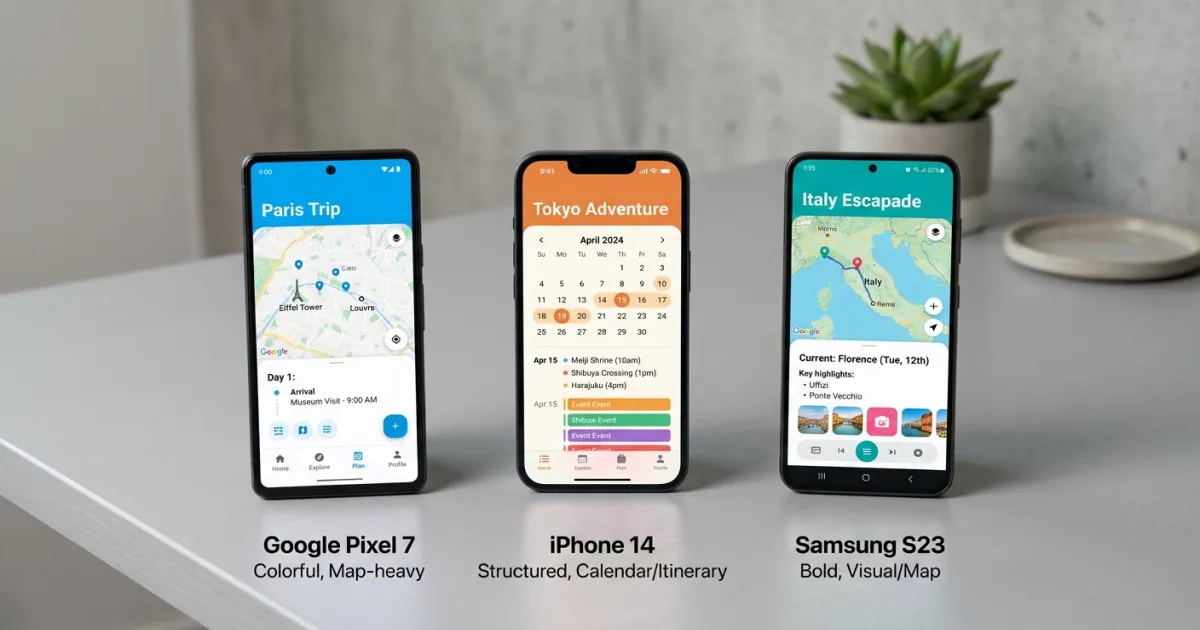
There are dozens of travel planning apps competing for space on your phone, and most of them do some things well and other things poorly. Dedicated AI travel planners in depth are changing this landscape, but for now, the itinerary app doesn’t track your budget. The budget app doesn’t show your route. The flight deal app doesn’t help you plan what to do when you get there. No single app does everything — so the real question isn’t “what’s the best travel planning app?” but “which combination of tools covers everything I need?” See our multi-city trip planning.
This guide breaks down the most popular travel planning apps by what they actually do well, where they fall short, and which type of traveler each one is best for. No affiliate rankings, no “top 10” lists padded with apps nobody uses — just an honest comparison to help you pick the right tools for your next trip.
Itinerary and Trip Planning Apps
TripIt
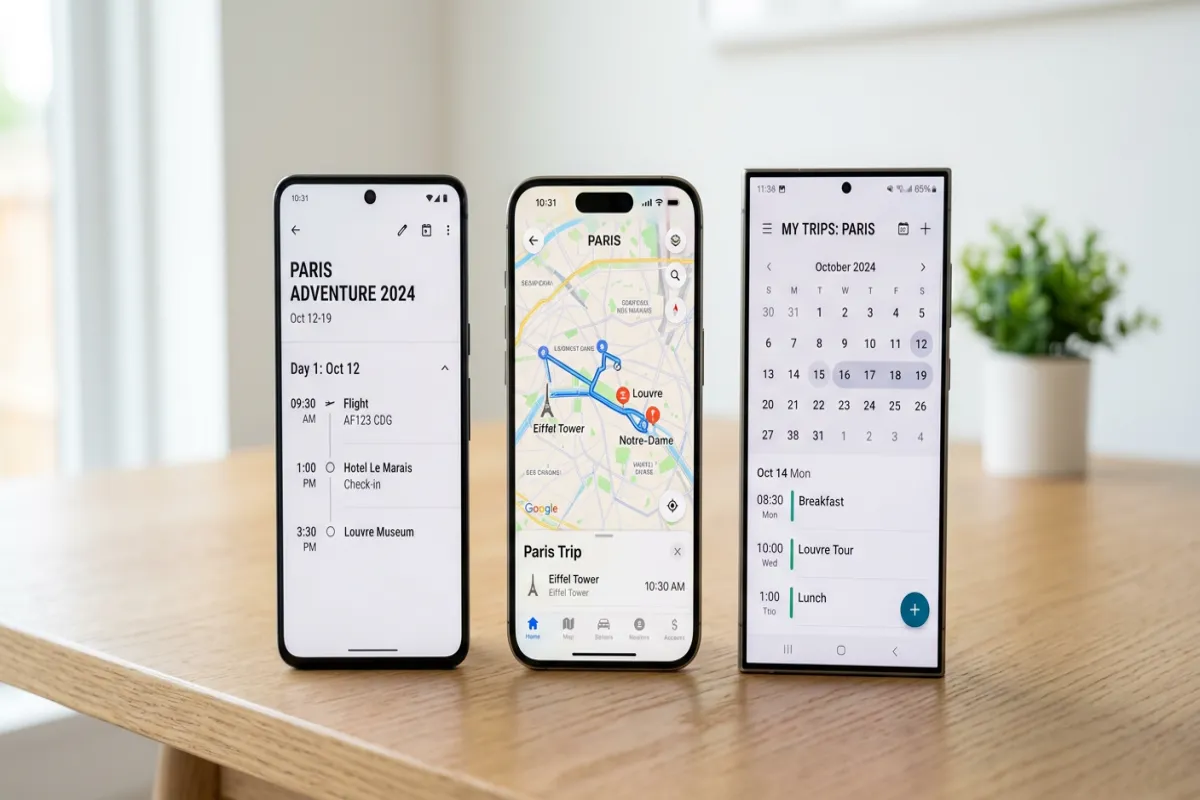
TripIt automatically organizes your travel by scanning confirmation emails for flights, hotels, rental cars, and restaurant reservations, then building a chronological timeline of your entire trip. Forward your booking confirmations to a TripIt email address, and it creates the itinerary for you. The Pro version adds real-time flight alerts, seat tracking, and loyalty program point monitoring. See our ChatGPT vs travel apps.
Best for: Frequent travelers who book through multiple platforms and want everything consolidated automatically. Business travelers who need a clean timeline without manual data entry.
Limitations: TripIt organizes what you’ve already booked — it doesn’t help you plan or discover what to do. No activity suggestions, no route planning, and no budget tracking. The free version is functional but the most useful features (flight alerts, alternate flight suggestions) require the Pro subscription at around $49/year.
Wanderlog
Wanderlog combines itinerary building with collaborative planning. You can search for attractions, restaurants, and activities within the app, drag them onto a day-by-day schedule, and see everything plotted on a map. Real-time collaboration lets travel companions edit the same itinerary, vote on activities, and chat within the app. It also imports flight and hotel bookings from Gmail.
Best for: Groups planning together. Couples or friends who want to build an itinerary collaboratively with visual map-based planning.
Limitations: The free version has restrictions on the number of trips and collaborators. Offline access requires the paid plan. The app is strong on planning but light on budget tracking — you’ll need a separate tool for expense management.
Google Maps
Google Maps isn’t a dedicated trip planner, but it’s the most widely used travel tool in the world. You can save locations to lists, create multi-stop routes, download areas for offline navigation, and share your saved places with others. For a deeper planning experience, Google My Maps lets you create custom maps with color-coded pins, layers for each day, and route drawings. See our full guide on how to create an itinerary on Google Maps for the complete setup.
Best for: Everyone. Google Maps is the baseline navigation tool you’ll use regardless of what other apps you choose. Google My Maps adds a visual planning layer that’s surprisingly powerful for route-based trips.
Limitations: No time-based scheduling, no booking detail storage, no budget tracking, no packing lists. Google Maps shows you where things are, not when to do them. Custom My Maps pins require internet to load (though base map areas can be downloaded for offline navigation).
Flight Deal and Booking Apps
Hopper
Hopper predicts flight prices and tells you whether to buy now or wait. It tracks fare trends using historical data and sends push notifications when prices drop to their predicted lowest point. The app also offers “price freeze” features that let you lock in a fare for a fee while you decide, and “cancel for any reason” protection on select bookings. It extends the same price tracking to hotels and car rentals.
Best for: Flexible travelers who can adjust their dates based on pricing. Anyone who agonizes over whether flight prices will drop further.
Limitations: Price predictions aren’t guarantees — Hopper’s algorithm is good but not perfect. The app pushes its own booking platform, where customer service can be harder to reach than booking directly with airlines. Some users report that the “best price” notifications don’t always reflect the actual lowest fare available elsewhere.
Kayak
Kayak aggregates flight, hotel, and rental car prices from hundreds of sources into a single comparison view. The “Explore” feature shows the cheapest destinations from your home airport on a map — useful when you’re flexible on where to go. Price alerts track specific routes over time. The app also includes a trip management feature that imports booking confirmations.
Best for: Comparison shoppers who want to see all options in one place before booking. Travelers with date and destination flexibility who want to find the best deal.
Limitations: Kayak is a metasearch engine — it sends you to the airline or hotel site to complete the booking, which can lead to price discrepancies. The trip management feature exists but is basic compared to TripIt. Limited offline functionality.
Plan Your Trip Today!
Get a complete, personalized trip template in seconds.
Take full control to customize every detail.
Budget and Expense Tracking Apps
TravelSpend
TravelSpend is a dedicated travel expense tracker. Log each expense with a category, payment method, and local currency — the app converts everything to your home currency automatically. It shows daily spending, category breakdowns, and budget remaining. The interface is designed for quick entry — you can log an expense in under 10 seconds, which matters when you’re trying to track every coffee and taxi.
Best for: Budget-conscious travelers who want to track every expense during the trip. Backpackers, long-term travelers, and anyone with a strict daily budget.
Limitations: TravelSpend is a tracking tool, not a planning tool. It doesn’t help you set a pre-trip budget, compare accommodation options, or plan your itinerary. It’s purely for logging expenses as they happen. Best paired with a pre-trip budget template — use our travel budget template for the planning phase and TravelSpend for on-trip tracking.
Splitwise
Splitwise isn’t a travel app specifically, but it’s the standard tool for splitting group expenses. Log shared costs, assign who paid, choose how to split (evenly, by percentage, by exact amount), and Splitwise calculates the minimum number of payments to settle everyone up at the end. It handles multiple currencies and simplifies debts across the group.
Best for: Group trips where multiple people are paying for shared expenses. Essential for any trip with 3+ people sharing costs.
Limitations: Splitwise handles the math but doesn’t provide a budget framework. You still need to set and monitor your overall trip budget separately. See our group trip planner template for the full coordination framework.
Road Trip Planning Apps
Roadtrippers
Roadtrippers is built specifically for road trips. Enter your start and end points, and the app suggests interesting stops along the route — quirky attractions, scenic overlooks, restaurants, campgrounds, and gas stations. It calculates total drive time, distance, and estimated fuel cost. The route is visualized on a map with your stops pinned along the way.
Best for: Road trip planners who want to discover interesting stops along their route rather than just driving point to point. Cross-country and scenic route travelers.
Limitations: The free version limits the number of waypoints per trip. The app focuses on discovery and routing but doesn’t handle accommodation booking, detailed daily scheduling, or budget tracking. For the complete road trip plan, pair Roadtrippers with our road trip itinerary template.
What No App Does Well
Even the best travel apps leave gaps. Here’s what you’ll still need a template or document for:
Comprehensive pre-trip planning. No app covers the full planning lifecycle — research, booking comparison, itinerary, budget, packing, and emergency contacts in one place. Apps specialize. Templates like our travel planner or trip planning spreadsheet give you the complete framework.
Offline access to everything. Most apps need internet for full functionality. Downloaded map areas help for navigation, but your itinerary details, booking confirmations, and budget data may not be available offline. A PDF export of your complete trip plan — created with the Yopki Travel Document Organizer — works without any connection.
Printable documents. Apps live on your phone. When you need to hand your schedule to a tour guide, leave trip details with family, or have a backup when your phone dies, you need a printable itinerary.
Which Apps to Use Together
Most travelers get the best results by combining 2-3 tools. Here are recommended combinations by travel style:
Solo international trip: Wanderlog (itinerary planning) + TravelSpend (expense tracking) + Google Maps (navigation). Pre-trip planning with a Google Docs itinerary template.
Couple’s vacation: TripIt (automatic itinerary from bookings) + Hopper (flight deals) + Google Maps (on-the-ground navigation). Pre-trip planning with a vacation itinerary template.
Group trip with friends: Wanderlog (collaborative planning) + Splitwise (expense splitting) + Kayak (flight comparison). Coordination with a group trip planner template.
Road trip: Roadtrippers (route and stop planning) + Google Maps (turn-by-turn navigation) + TravelSpend (gas and expense tracking). Full plan in a road trip itinerary template.
Business travel: TripIt Pro (itinerary with flight alerts) + Kayak (booking comparison) + a travel expense report template for reimbursement.
FAQ
What is the best app to plan a trip itinerary?
For automatic itinerary building from existing bookings, TripIt is the most reliable. For AI-powered alternatives, see our guide to itinerary generators. For collaborative planning with map-based visualization, Wanderlog offers the best experience. For complete trip planning that includes budgeting, packing, and emergency contacts alongside the itinerary, a spreadsheet or document template gives you more control than any app.
Is there a free travel planning app?
Yes. Google Maps (free), TripIt (free version), Wanderlog (free version), and Roadtrippers (free with limits) all offer functional free tiers. The free versions typically limit the number of trips, collaborators, or offline access. For unlimited free planning with no account required, use one of our free itinerary templates — including specialized itinerary templates for every trip type.
What app do travel agents use to plan trips?
Professional travel agents typically use industry tools like Sabre, Amadeus, or Travelport for booking, combined with custom itinerary documents for client-facing trip plans. For the itinerary document itself, many agents use Word or Google Docs templates rather than consumer apps, because they need full control over formatting and branding. Our tour itinerary template is designed with this professional use case in mind.
Can I plan a trip entirely with apps?
You can plan many elements with apps, but most travelers find that apps work best for specific functions (flight deals, navigation, expense tracking) while the overall trip plan works better as a document or spreadsheet. Apps are tools for parts of the process — or try Yopki free for an all-in-one solution. A template is the framework that ties everything together. For the full process, see our guide on how to plan a trip from start to finish.